 PLAYDRAW PRO
Draw the play.
Show the action.
Start from a familiar alignment, add passes, cuts, dribbles and screens, then play it back. Share it as a diagram, an animation or a printable playbook.
Free on the web today. The iPhone edition is in preparation. Sign up for release news.
From starting spots to a shareable play
Choose your starting spots
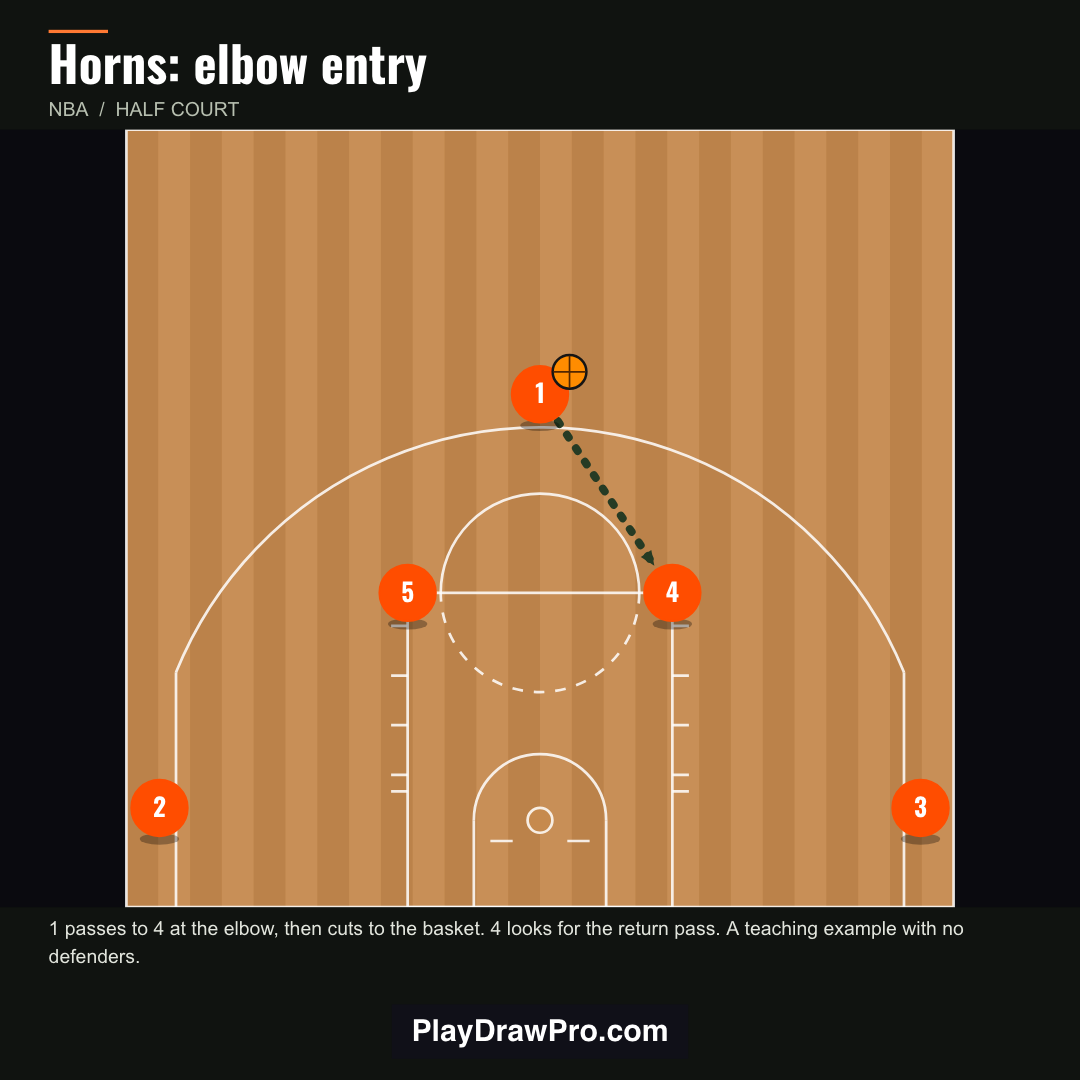
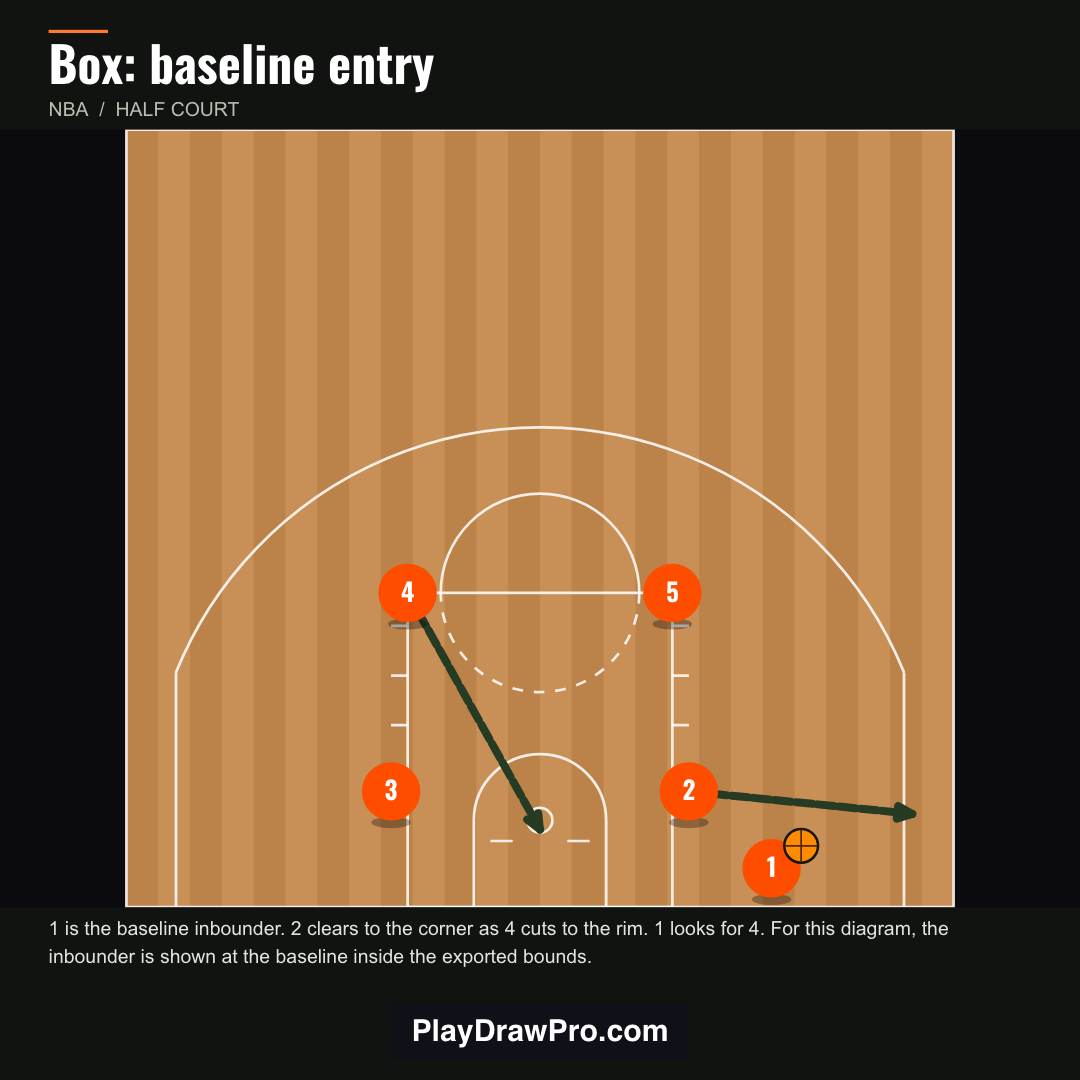
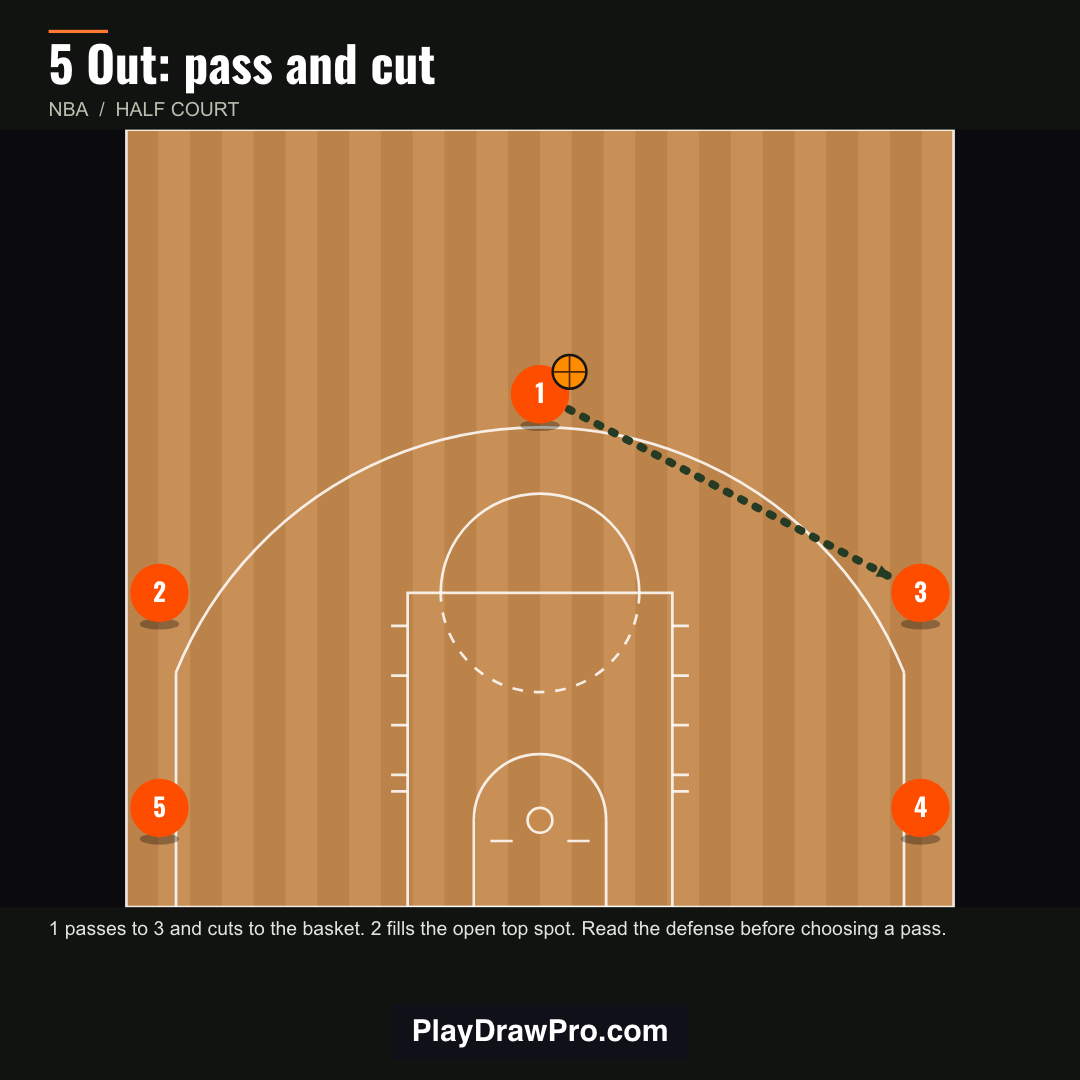
Horns, Box, 5 Out and more alignments. Every player stays editable.
Build the next action
Tap a player and drag: dribbles and passes for the ball handler, cuts and screens for everyone else. Add steps to continue the sequence.
Share what you drew
Export a still image, a moving play or a printable page with your coaching notes.
Built for the way coaches teach
▶ Animated playback
Step through the action so players see the timing, not just the lines.
📱 Social-ready exports
One-click sizes for YouTube Shorts, Instagram Reels, TikTok, X, landscape YouTube and square feed posts, with safe zones for captions.
🖨 Printable playbooks
Turn your plays into PDF pages with notes for practice, scouting reports or the bench.
🧩 Starter plays
Open teaching examples and editable starter packs, then make them yours.
🔒 Your plays stay yours
No account required on the web. Plays are stored on your device, and you can export a backup anytime.
🎞 GIF and video
Export moving plays as GIF or video for film sessions and group chats.
Real exports from the app
Anyone who draws up plays
Be first when the iPhone app drops
Join the list for iPhone release news, new features and play examples. No spam. Unsubscribe anytime.
Questions
Is PlayDraw Pro free?
The web app is free to use today. The iPhone edition is being prepared for the App Store; any pricing will be shown in the app.
Do I need an account?
No. The web app works without an account, and your plays are saved on your device.
When is the iPhone app coming?
It's in preparation. Join the waitlist and we'll email you when it's released.
Can I share plays with my team?
Yes. Export images, GIFs, videos or printable PDF pages and send them however your team communicates.
Do my plays sync between web and iPhone?
Not currently. Plays are stored locally, so export a backup to move or keep a copy.